I. LOCAL
Native tools. Familiar power.
Connect familiar local tools and the Hermes adapter. Build on existing capabilities without starting over.

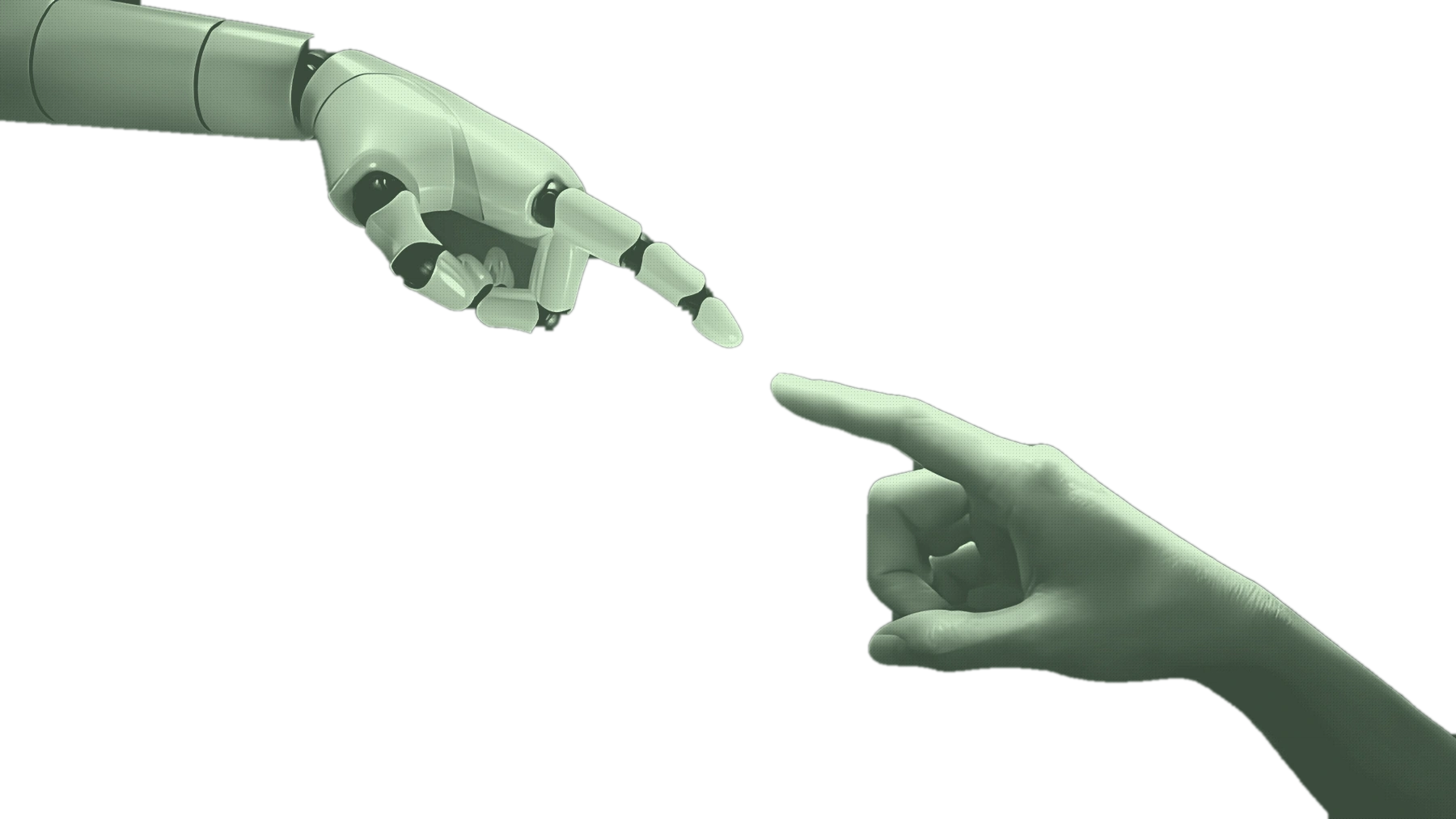
Bring scattered capabilities into one place.
Local and remote agents. Start with a conversation.
YOUR TOOLS.
YOUR CONTEXT.
ONE WORKSPACE.
Keep each tool and its permissions.
Keep the process and the work within reach.
AI AGENT MANAGEMENT & COLLABORATION
Pi / Codex / Claude Code / OpenCode / Hermes
01 / CAPABILITIES
Keep the agents you know.
Bring conversations, tools and artifacts
together in one place.
I. LOCAL
Connect familiar local tools and the Hermes adapter. Build on existing capabilities without starting over.
II. REMOTE
Connect remote agents through a gateway, with local and remote conversations in one workspace.
III. CONTEXT
Link a project to its working folder. Give tasks, files and context a clear place to belong.
IV. TRACE
See conversations, tool calls, history and artifacts together, so you can trace the work and continue it.
02 / THE WORKSPACE
One request. A traceable process.
An artifact you can keep working with.
Connect the work through conversation.
01 / THE CONVERSATION
Organize the project files.
Create a research brief.

Choose the right agent and bring your project context. Replies, tool calls and artifacts stay connected to the conversation.
02 / THE PROCESS
Organize context in the linked project folder.
See tool activity alongside streaming replies.
Conversations, tasks and artifacts leave a trail you can return to.
03 / THE ARTIFACT
Keep artifacts connected to the conversation. Revisit the sources, make changes, or bring the work into your next task.
03 / KEEP YOUR TOOLS
Connect existing capabilities.
Keep the way you work.
I / LOCAL TOOLS
 Pi
Pi Codex
Codex Claude Code
 OpenCode
 Hermes
CLI tools keep their models, tools, project instructions and permissions. Hermes connects through its installed local adapter.
II / REMOTE GATEWAY
Negotiate capabilities through the protocol. Keep remote execution within explicitly authorized workspace boundaries.
Two connection paths. One conversation experience.
Logos identify the respective tools, not partnerships or endorsements.Logo sources & usage notes ↗
04 / HUMAN FIRST
A good workspace connects capabilities
and respects the boundaries of every task.
Local agents retain their permission modes. Project folders define the workspace; remote access follows the authorization granted for the run.
Desktop state is stored locally. Your chosen agent and model process requests in their own way. Not all data is guaranteed to stay on your device.
Revisit conversation history and artifacts. Backup and restore include validation and rollback safeguards, but user content may still contain sensitive information.
05 / START HERE
The first public release is in preparation.
Get to know the product. Then start a task.
The first release is planned for Windows x64. Official Releases are the source for published installers and verification details.
Check release progressPrepare your local tools or a compatible remote gateway. Probe the connection before starting a conversation.
Read the getting-started guideCreate a project and link its folder. Choose an agent and bring files, conversations and artifacts together around the task.
Revisit the workspace06 / QUESTIONS
Connections, releases and licensing.
No. It is an AI agent management and collaboration platform, bringing existing local tools and remote agents into one workspace. The selected agent provides the models and tools.
No. Pi, Codex, Claude Code and OpenCode keep their CLI capabilities; Hermes connects through a local adapter or a compatible remote gateway. Agents One provides a shared entry point for conversations and tasks. Remote Hermes multi-turn continuation and recall after restart remain experimental.
Local tools run through native CLIs or the Hermes local adapter. Remote agents connect through a compatible Gateway and negotiate capabilities through the protocol. Remote workspace access requires explicit authorization; connecting to the workspace does not grant access to every file.
Agents One is currently in pre-release, with no public Release yet. The first public installer is planned for Windows x64. Features and data formats may change. Check the official Releases page ↗ for the latest published information.
Desktop state is stored locally, but requests sent to your chosen agent or an external model follow that service's execution model. Project folders and local CLI data also have their own storage locations. Assess data boundaries using the services and permission modes you choose.
No. Use, modification, distribution and commercial-use conditions are governed by the LICENSE included with the version you use. Third-party components and assets retain their own terms. Please read the project license ↗ and related notices before using the source.
ONE WORKSPACE. MANY AGENTS.
Agents One · AI agent management & collaboration